How to customize your Sitekick
Customizing your Sitekick is easy. You can change your Sitekick's name, color, and equip chips.
Changing your Sitekick's name
From the MAIN or CHIPS tab, select the top left menu, settings, then select "Rename Sitekick".
Changing your Sitekick's color
From the MAIN or CHIPS tab, select the top left menu, settings, then select "Paint Sitekick".
Equipping chips
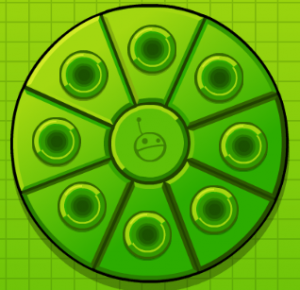
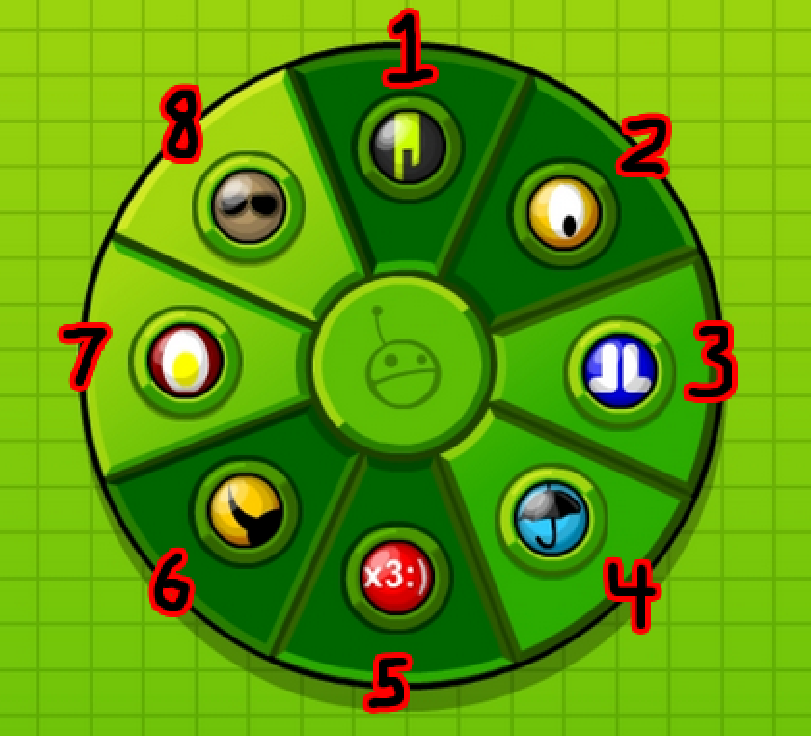
The CHIPS tab has a circular inventory typically referred to as equipment slots. There are 8 slots that can hold chips. Chips are layered starting at the top (12:00), going clockwise until 10:30. When you place a chip in an equip slot, you must then click it again to equip it.